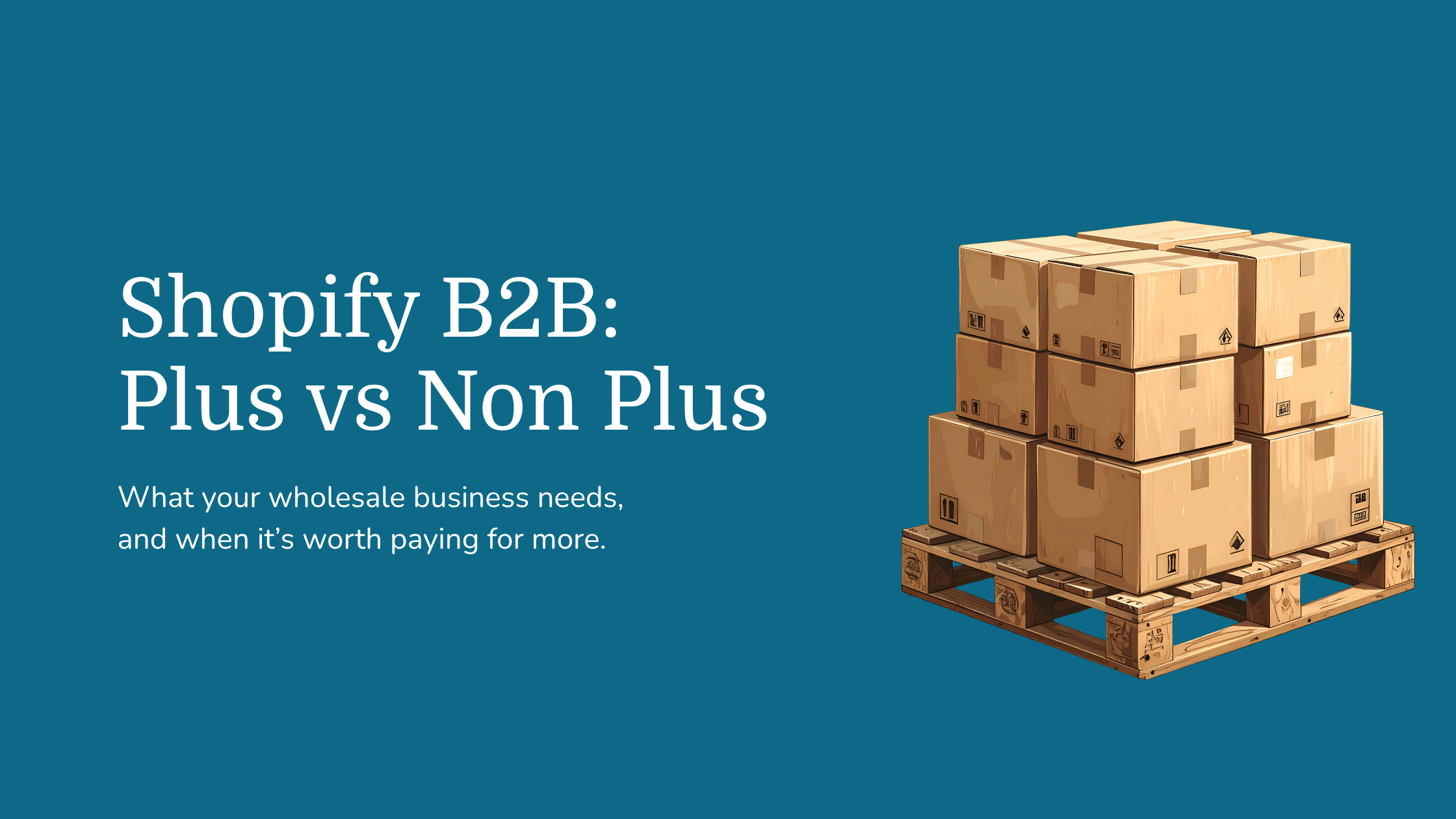
Shopify B2B continues to evolve, giving merchants more agility and functionality to structure their Shopify store around how their business runs in the real world.
Wholesale buyers want to place an order, see the right prices and get back to running their business. Behind that straightforward experience sit the rules your team manages every day: who can buy, what they pay, when payment is due and how stock moves between systems.
Choosing between Shopify and Shopify Plus for B2B starts with understanding how those rules affect your customers and your team.
You can use native Shopify B2B on Basic, Grow and Advanced, as well as Shopify Plus. Plus becomes worth considering when you need more catalogue flexibility, pricing assigned directly to individual companies or advanced payment arrangements. You do not automatically need Plus simply because you sell wholesale.
We’ll compare Shopify's B2B capabilities with and without Plus, explain the costs to consider and show what real wholesale projects can teach you about choosing the right setup.
Can you use Shopify for B2B without Shopify Plus?
Yes. Shopify’s current plan guidance lists company accounts, company locations, net payment terms, quantity rules and quantity price breaks across Basic, Grow, Advanced and Plus.
These features let trade buyers order through company accounts, purchase in agreed quantities and use the payment terms you have configured. Purchase order numbers, quick order lists and easy reordering are also available across all four plans.
There is an important setup requirement: stores on Basic, Grow or Advanced must use new Shopify Markets to access B2B catalogue features. Check your store’s configuration before planning a launch around them.
The decision is therefore about how closely each plan fits your trading model. A wholesaler with a small number of shared price lists has different requirements from a distributor negotiating individual contracts with hundreds of accounts.
Shopify vs Shopify Plus B2B features compared
The table below compares native features. Apps and custom development should be assessed separately, including their costs and how they work with your existing systems.
Feature availability checked on 13 October 2026. The three-catalogue allowance on non-Plus plans applies across all B2B markets, not separately to each market. See Shopify’s B2B plan comparison.
When a standard Shopify plan could be enough
Basic, Grow or Advanced could be a suitable starting point if your wholesale model uses a limited number of shared catalogues and does not depend on Plus-only payment features.
For example, a supplier might sell the same range to independent shops and larger retail chains, with one shared price list for each group. Buyers need company accounts, minimum order quantities and payment terms. If the required catalogue assignments fit within the allowance, a non-Plus plan is a sensible option to assess first.
The catalogue allowance needs careful attention. Assigning three catalogues to one B2B market uses the full allowance on Basic, Grow and Advanced. It does not leave another three available for the next market. Map the assignments your business needs today and those likely to follow as you expand.
Advanced also deserves its own place in the comparison. It includes contextual storefront and checkout experiences through Markets, allowing you to tailor the experience to particular markets. If that is what your business needs, assess Advanced before committing to Plus.
When Shopify Plus becomes the stronger option
Your customers have individually negotiated pricing
Suppose two retailers order the same product, but each has negotiated a different price. A third customer has an exclusive range. Your store needs to apply the correct agreement whenever each buyer logs in, without the sales team correcting orders afterwards.
Shopify Plus supports assigning catalogues directly to a company or company location. That is a significant distinction from the B2B market catalogues available on the other plans.
Before deciding, map how prices are agreed and maintained. Do they originate in Shopify, an ERP or your finance system? Who can change them? How quickly must a change reach the customer? The plan and the integration need to support the same process.
Your catalogue structure has outgrown the allowance
Plus removes the three-assignment restriction by offering unlimited B2B market catalogues. That can matter when you serve more markets or need a wider range of product and pricing combinations.
Map the catalogue structure before upgrading. You may be able to group accounts with the same terms, reducing maintenance work. Where the differences are commercially necessary, your platform should accommodate them.
Your payment arrangements need more flexibility
Net payment terms are available across the four plans. Shopify lists deposit requirements, partial payments and payment requests per fulfilment as Plus-only B2B features.
For a business taking deposits on large orders or requesting payment as goods are fulfilled, these differences deserve close attention. Net terms define when payment is due; assess credit limits and account blocking separately. Test changed orders, bank transfers and outstanding balances with your finance team.
You want your B2B logic in one place
On Plus, catalogues, company-specific pricing, payment terms and account rules can all be managed natively in Shopify. Your ERP, CRM and finance systems then connect to a single source, which keeps the technical setup tidier.
For larger wholesale operations, that simplicity adds resilience. Fewer systems in the chain means fewer points of failure and fewer integrations to keep in sync.
Shopify vs Shopify Plus pricing in the UK
Shopify Plus starts at £1,800 per month on a three-year term, or £1,950 per month on a one-year term. Shopify also lists a variable platform fee for more complex business structures.
The table compares published UK subscription rates as checked October 2026. Annual billing rates for Basic, Grow and Advanced are monthly equivalents. Plus uses the separate contract terms shown.
Your business case should include more than the subscription. Compare:
- Platform fees and the contract commitment.
- Payment processing and applicable transaction charges.
- Apps, integrations and ongoing support.
- Implementation, data migration and staff training.
- Time spent correcting prices, chasing account information or manually processing orders.
At the starting rate, a three-year Plus agreement represents £64,800 in platform fees over the full term. A one-year agreement starts at £23,400. Build the business case around the full commitment and the capabilities you will actually use.
Plus may make financial sense when its capabilities remove expensive workarounds or support trading requirements you cannot otherwise meet efficiently. A simpler wholesale operation may get what it needs from a lower plan. Build the comparison around your actual order volumes, payment mix and processes.
If Plus does make sense, implementation belongs in the same business case as the subscription. Catalogue setup, ERP and finance integrations, data migration and testing all take planning, and the partner you choose will shape how smoothly that goes. Our guide to what a Shopify Plus agency does explains what that support looks like in practice and what to expect from the relationship.
What Galleon and Asmodee show about B2B on Shopify
Our Galleon Shopify migration case study shows how much of a wholesale project sits behind the storefront. Galleon needed to support cash customers alongside credit-account companies, with customer-specific prices, credit controls, payment terms and multiple users.
The project also involved preserving the account and order information repeat buyers relied on, and connecting Shopify with Sage through Zynk. Those requirements make a useful scoping checklist: a customer’s ability to reorder or understand their balance can matter as much as the first purchase.
Our work with Asmodee combined SparkLayer, ERP integrations and improvements to the shopping experience, resulting in a tenfold increase in B2B orders over 12 months.
The lesson is to assess the platform, connected systems and buying experience together.
Asmodee illustrates how an app can form part of a wider Shopify solution; it is not a like-for-like trial of Plus against a non-Plus plan.
Do you still need a B2B app for Shopify?
Start by mapping the native features against your requirements. An app should solve a specific gap or improve a workflow enough to justify its cost and ongoing maintenance.
If you are considering a solution such as SparkLayer, compare how it handles your actual buying journey and pricing rules, and check plan compatibility. Don’t assume an app reproduces every native Plus capability in exactly the same way. It also changes where your data lives, which we cover below.
The same applies after upgrading. Shopify Plus does not automatically remove the need for apps, finance integrations or tailored development. Agree where each piece of information will be managed and how changes will reach the other systems.
Native B2B vs a B2B app: what it means for Shopify integrations
Where your B2B data lives matters as much as the features on offer.
With native Shopify B2B, price lists, company accounts, payment terms and customer logic all sit inside Shopify. Any system you connect, whether an ERP, CRM or finance platform, reads from one place, and orders arrive with the information they need.
An app such as SparkLayer works differently. Catalogues, pricing and payment terms are held within the app, which then loads on top of Shopify. That approach can unlock useful functionality, but it adds another link to the chain.
What an extra layer means in practice
- Integrations make two jumps. Data may need to sync into Shopify and then into the app, or the other way round. That means more to build, more to maintain and more chances for systems to fall out of step.
- Resilience depends on every link. If the app experiences an outage, your trade buyers can be affected even while Shopify itself is running normally.
- Downstream systems only see what reaches Shopify. When an order passes to your ERP, it carries the data held in Shopify. Pricing rules or account logic that live only in the app may not travel with it.
Take a business using HubSpot as its CRM. Connecting Shopify to HubSpot is usually straightforward, so orders and customer records flow across cleanly. A quote built in a B2B app may never reach Shopify, though, unless it converts into an order. Getting that quote into HubSpot means building a further integration, or living with two systems that sync at different times.
Where an app still earns its place
Apps can offer capabilities that are harder to achieve with native B2B. SparkLayer, for example, includes a full quoting engine and arguably gives more structure around buyer permissions. If quoting is central to how you sell, that may justify the extra integration work.
Asmodee’s results show that an app-led setup can perform well when the integrations are planned from the start. The key is to make that choice deliberately rather than discover the trade-offs after launch.
Questions to ask before adding an app
- Which system will hold pricing, payment terms and account permissions?
- Will your ERP, CRM and finance systems see everything they need, including quotes?
- How many integration steps does each order or price change go through?
- What happens to trade buyers if the app is unavailable?
How to choose the right Shopify plan for your wholesale business
Before comparing proposals, document a typical order and the exceptions your team handles most often. Include the buyer, their price list, payment arrangement, stock source and fulfilment process.
Then answer six questions:
- Can your trade pricing fit within the available B2B market catalogue assignments?
- Do individual companies or locations need directly assigned catalogues?
- Do you need deposits, partial payments or payment requests per fulfilment?
- Which account, pricing, stock and invoice information must move between systems, and which system will be the source of truth for each?
- What is the total cost of each option, including the work your team will still do manually?
- Do you need features such as quoting that may require an app, and how will that data reach your CRM and ERP?
A non-Plus plan is worth assessing when shared catalogues and the included payment features cover your needs. Plus deserves closer consideration when individual account pricing, catalogue scale or advanced payments are central to how you trade.
At Kubix, we help businesses turn those requirements into a workable Shopify setup. As a Shopify Platinum Agency, we bring experience across migration, integrations and ongoing improvement. Work with a Shopify Agency that can assess the whole operation and help you choose a plan that supports it.