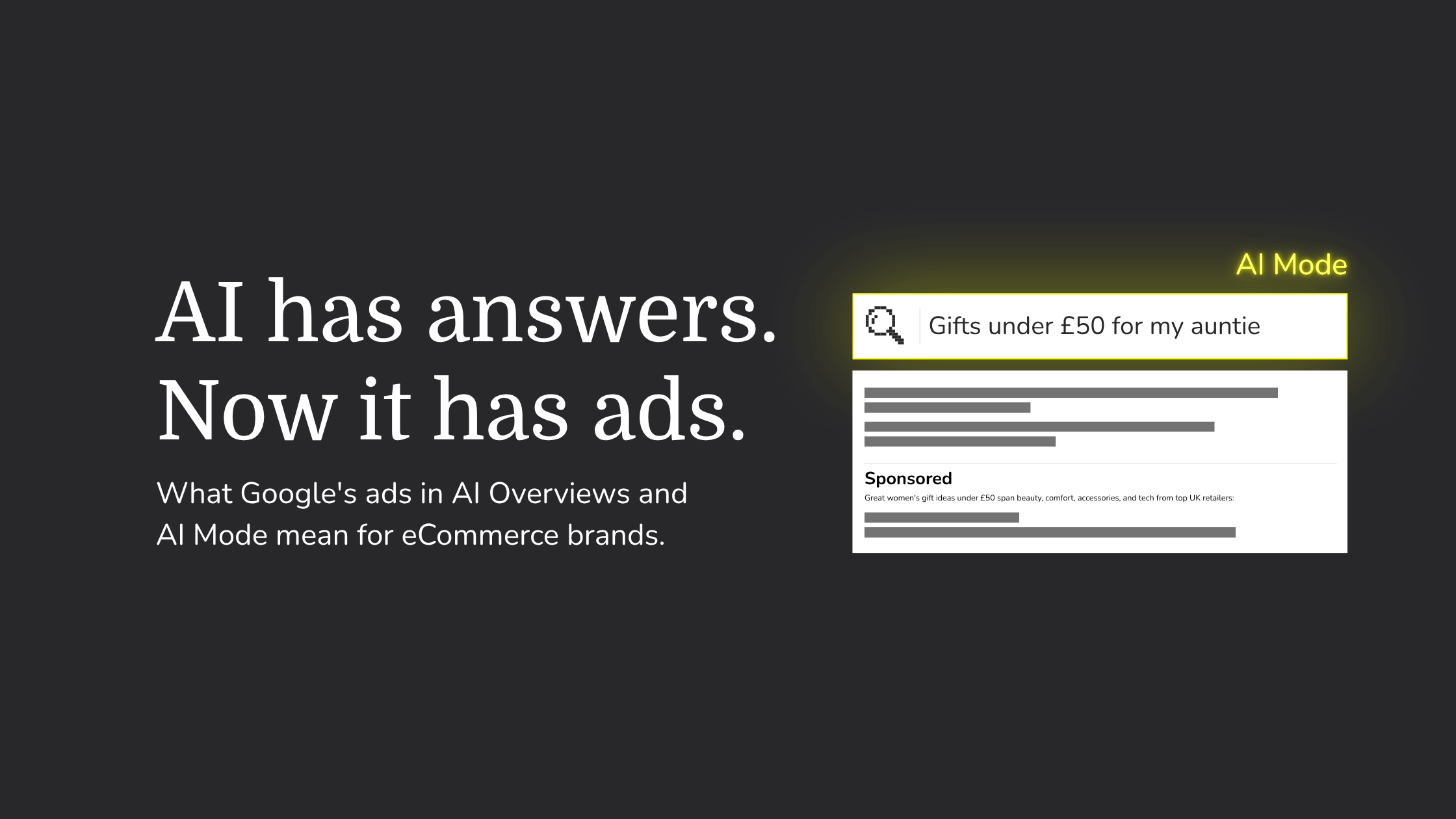
Google is putting paid ads inside its AI-generated search answers, and the UK is next in line. Google has named the UK for a Q4 2026 rollout, and early sponsored placements have already been spotted in UK AI Mode.
If you sell online and run Google Ads, your existing Search, Shopping and Performance Max campaigns can start appearing there automatically. They’ll use the budgets you already have, and there’s no setting to opt in.
Shopify merchants running Google Ads should understand where their ads may show and what they can and can’t control. They should also know which parts of their Shopify store now influence paid performance more than before.
Here's what has changed with Google Ads and AI answers, what it means for eCommerce brands, and what we'd check in your account now.
What Google has announced
On 28 October 2026, Google announced it is scaling ads in AI Mode to ten more countries, including Australia, Canada and India. It also confirmed plans to expand to further markets in Q4 2026, including the United Kingdom.

It helps to separate the two AI experiences in Google Search, because they work differently:
- AI Overviews are the AI-written summaries that now appear at the top of many standard search results.
- AI Mode is the separate, conversational search experience. Shoppers ask a full question, get a written answer, then ask follow-ups, much like using an AI assistant.
Google says all of these ads will carry a clear “Sponsored” label. It also shared two figures from its own US data: questions in AI Mode are on average three times longer than traditional searches, and click-through rates are already similar between sponsored and organic product listings in AI Mode. Both come from Google's internal research, so we are treating them as a starting point until independent data catches up.
There's also a commercial reason for the pace. Search Engine Journal reports that Google named lower monetisation in AI Mode as one of the factors weighing on its Search revenue growth. As more searches move into AI answers, Google needs ads to move with them.
How ads in AI Overviews and AI Mode work
You don't need to set anything up. According to Google's help page on ads in AI-powered Search experiences, eligible campaigns can serve in AI Overviews and AI Mode within the normal auction. The bigger question is how Google decides which ads to show.
Direct matching and contextual matching
Google matches ads to AI answers in two ways:
- Direct query matching works like search does today. A shopper searches for something with clear buying intent, such as “merino base layer women's”, and ads are matched to that search.
- Contextual matching is the new part. A shopper asks a broader question, such as “what should I wear for a winter hike in the Lake District?”, and Google matches ads to both the question and the AI's answer. If the answer recommends layering with merino, a merino brand's products could appear, even though the shopper never searched for them.
Which of these your campaigns can use depends on how they're set up:
Accounts built mainly on exact and phrase match will reach fewer of the longer, exploratory conversations happening in AI Mode. That isn't automatically a problem, but it is a decision worth making on purpose.
What you can and can't control
- You can't target or exclude these placements separately. There's no setting to opt in or out of AI Overviews or AI Mode on their own. Negative keywords and brand exclusions still apply.
- Google may write some of the words around your ad. Some placements show “AI explainers”, short pieces of text generated by Google's Gemini models to explain how an ad relates to what someone is looking for. They can draw on the query, the AI answer and public sources, including your website. You can't write, edit, approve or opt out of them.
- You won't see AI placement results on their own. Performance from AI Overviews and AI Mode is included in your standard campaign and search terms reports, with no separate breakdown.
- Paying for ads doesn't buy organic visibility. Google states that ads don't influence which sites its AI answers cite, and that being cited doesn't affect ad eligibility. Paid and organic still need to be managed together.
What changes for eCommerce brands
Shoppers start with the problem, not the product
In AI Mode, people describe what they need rather than typing a product name. “A pushchair that folds one-handed and fits a small car boot” replaces “compact pushchair”. With contextual matching, your products can appear earlier in that journey, while the shopper is still working out what to buy and before they've settled on a brand.
The flip side is that some of those conversations are research only. Someone comparing materials or looking for care instructions may never be ready to buy. Without close attention, that's spend going to clicks that were only ever after free advice.
Your product feed carries more weight
Shopping and Performance Max campaigns rely on your product data to connect products to longer, more specific questions. Vague titles and thin descriptions give Google little to match against. Detailed, accurate attributes, such as material, size, fit, compatibility and use case, give your products more chances to appear in the right conversations.
Having structured data in place and populating as many feature rich details as you can within Shopify Metafields is important if you’re looking to appear in more searches, for both organic and paid placements.
Your website is now part of your ad
AI explainers can draw on your website, and AI Max features such as text customisation and final URL expansion use your site content to shape ads and choose landing pages. If your product pages, delivery information or returns policy are unclear or out of date, that can now affect paid performance, not just organic search and conversion rate.
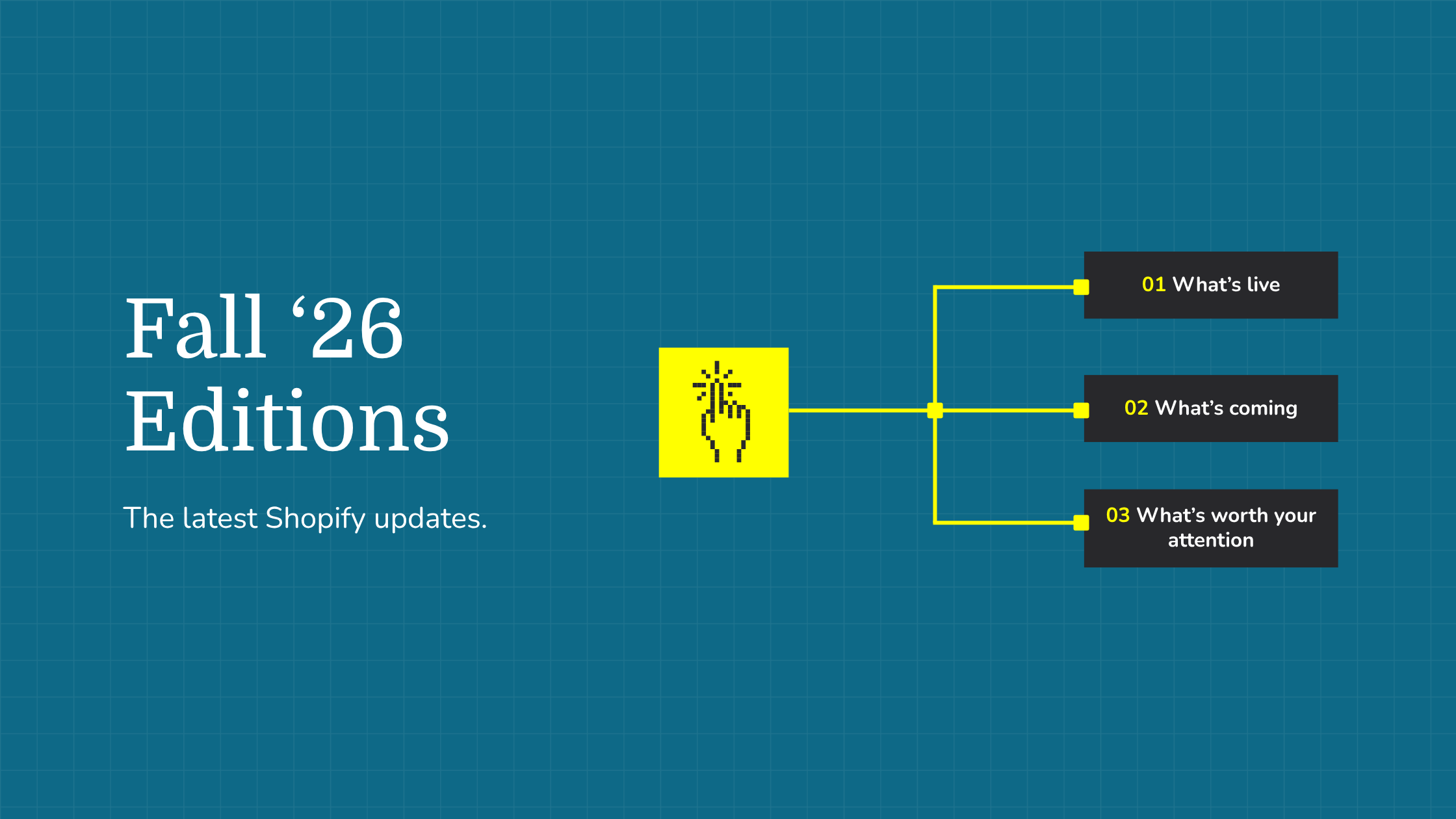
The latest Shopify Fall ‘26 Editions update brings new settings to the Shopify admin, so merchants can easily find, update & publish store information to keep AI crawlers up to date.
Measurement gets harder to read
Because AI placements are blended into your normal reporting, you can't isolate whether they're working. Platform-reported ROAS becomes a less reliable guide on its own. Judging performance against what reaches your Shopify store, such as revenue, margin and new customer acquisition, gives you a clearer view. Our guide to ROAS, ROI and MER covers how these measures fit together.
Your account may already have changed
Throughout September 2026, Google automatically upgraded Search campaigns using automatically created assets or the campaign-level broad match setting to AI Max for Search. Campaigns with automatically created assets moved across with search term matching and text customisation switched on. Dynamic Search Ads are scheduled to follow in February 2027.
AI Max is one of the main ways Google matches ads to conversational searches, so an upgraded campaign may already be reaching longer, broader queries than it did over the summer.
AI is changing how people shop, not just how they search
Ads in AI answers are one part of a wider shift in how people discover and buy products, alongside agentic commerce and AI shopping assistants.
In our recent Buying Attention That Converts webinar, we discussed how we supported Vintage Sofa Co in building their paid media channel mix around how their customers actually buy.
Customers buy from whatever is convenient for them at the time they’re ready to purchase. As more consumers rely on AI & platforms evolve, it’s important for brands to keep up with the shift and offer purchasing experiences where their customers are.
What Shopify brands should do now
The UK rollout gives you a short window to prepare. These are the checks we'd prioritise before ads in AI Mode go live here.
1. Map which campaigns can reach AI answers. List which campaigns use Performance Max, Shopping, AI Max or broad match, and which rely on exact and phrase match. That tells you where contextual matching is possible and lets you decide your exposure deliberately.
2. Review any AI Max upgrades. Check for campaigns converted in September. Look at which features are on, including search term matching, text customisation and final URL expansion, and confirm your brand inclusions and exclusions are set the way you want.
3. Tighten negative keywords. Once AI placements arrive in the UK, review search terms weekly for the first couple of months. Sort by the longest queries and look for research, how-to and comparison searches that rarely convert for your products, then build negative keyword lists from them.
4. Improve your product feed. Write clear, descriptive titles. Fill in attributes such as material, size, colour and compatibility. Keep price, stock and GTINs accurate. The more specific your data, the better Google can match products to detailed questions and search queries.
5. Make your site easy for AI to read accurately. Check product descriptions, size guides, delivery times, returns and FAQs are clear, current and consistent with your feed. If Google's AI had to describe your products from your website alone, would it get them right? Strong Shopify SEO foundations help here too.
6. Measure against profit, not just platform ROAS. Make sure conversion tracking and order values are accurate, and review results against Shopify data, margins and new customer acquisition. Automated bidding is only as good as the signals it receives.
7. Advertise what you can scale. Contextual matching can surface products in new conversations. Prioritise products with the margin, stock and supplier reliability to handle extra demand.
8. Test deliberately, and keep what works. If you want to try AI Max or broaden match types, start with one campaign, a set budget and a clear comparison period. If tightly controlled exact and phrase campaigns are profitable, keep them running while new approaches earn their budget.
What this is, and what it isn't
It is a new place for your existing ads to appear, mostly without you opting in. It's a clear push from Google towards AI-driven matching through Performance Max, Shopping, AI Max and broad match. And it reflects a real change in how people search: longer questions, follow-ups and conversations.
It isn't a reason to rebuild an account that's already profitable. Exact and phrase match campaigns still work as they do today and remain eligible when a question shows clear buying intent. It also isn't something you can measure in isolation yet, so be cautious of anyone presenting AI Overview or AI Mode ROI as a separate figure. And it doesn't replace organic visibility, since AI answers are still built from websites and product data.
It's also early. Several of the newer formats are US tests, and nobody has enough UK data yet to say how these placements will perform for eCommerce. The brands best placed are those with clean product data, a website AI can understand, measurement tied to real orders, and someone reviewing search terms every week.
Getting your paid media ready
Ads in AI answers bring paid search, product data, site content and measurement closer together than ever.
If you'd like a second pair of eyes on how your campaigns are set up for this change, our paid media team can review what your campaigns are matching to now and what's worth changing before the UK rollout.